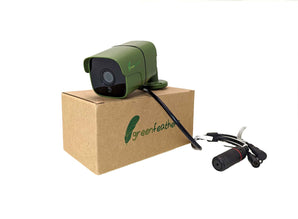
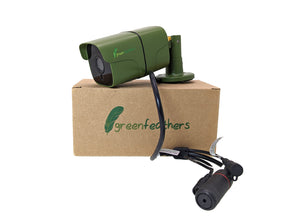
Discover our range of industry-leading bird box cameras, designed to let you watch nesting birds safely, clearly and without disturbance.
Whether you’re looking for a complete bird box with a camera, upgrading your current setup, or comparing different cameras for bird nesting boxes, you’ll find the perfect solution here. Our easy-to-install nest box cameras stream high-definition footage directly to your TV, monitor or smartphone, so you can enjoy live bird activity from anywhere.
Designed specifically for wildlife observation, every Green Feathers bird box camera is built to be discreet, reliable and simple to use. Observe the natural behaviours of your favourite local bird species without disturbing them.
At Green Feathers, wildlife cameras are our speciality. As the UK’s dedicated supplier of wildlife cameras and accessories, we design products specifically for bird watchers and garden wildlife enthusiasts. Our bird box cameras are built around three priorities:
Non-intrusive observation
High-definition, reliable footage
Simple installation and setup
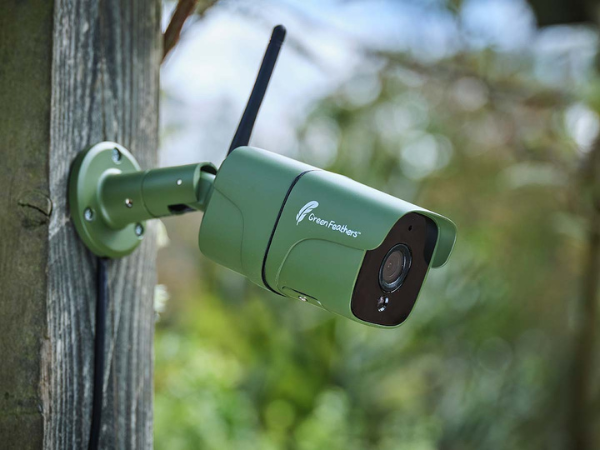
From wired and wireless options to complete bird box with camera kits, we offer solutions for beginners and experienced bird watchers alike. Many models connect directly to the Green Feathers app, giving you instant access to live footage on your smartphone or smart TV.
Our cameras deliver crisp 1080p HD or 4K resolution, so you can clearly see feeding, nesting and fledging behaviour, even in low light. No matter if you have a small garden or a larger outdoor space, there’s a bird box camera to suit your setup.
Built specifically for bird nesting boxes
Unlike generic mini cameras, our cameras for bird nesting boxes are designed for safe, long-term use inside birdhouses.
They are:
Compact enough to fit standard UK bird boxes
Designed not to block entrances
Fitted with safe, low-light LED technology
Built for outdoor durability
Backed by UK-based customer support
This means you can monitor birds naturally, without disruption or risk.
Your choice depends on garden layout, Wi-Fi strength and personal preference. Our team is always happy to help if you’re unsure.
Using your bird box camera
Bird box cameras are incredibly easy to set up and use – no rustled feathers needed! To get the best results from your kit, find out how to install a bird box camera, remove and clean it below.
How to put a camera in a bird box
To install your new nest box camera, follow these simple steps:
Choose your camera – Decide between singular bird box cameras, all-in-one Green Feathers bird box camera kits, and wired and wireless options.
Test the camera – Ensure your new camera is working properly before installing it.
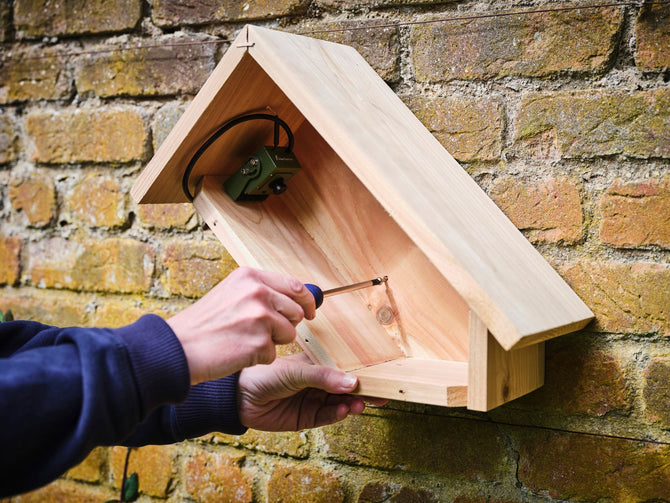
Decide where to run the cables – You may need to drill a hole into your bird box to connect the camera to the power and connection cables (depending on your chosen kit).
Choose the location of your new bird box – We recommend placing it on a tree, wall or building, around 2-5 metres above the ground.
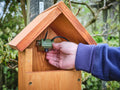
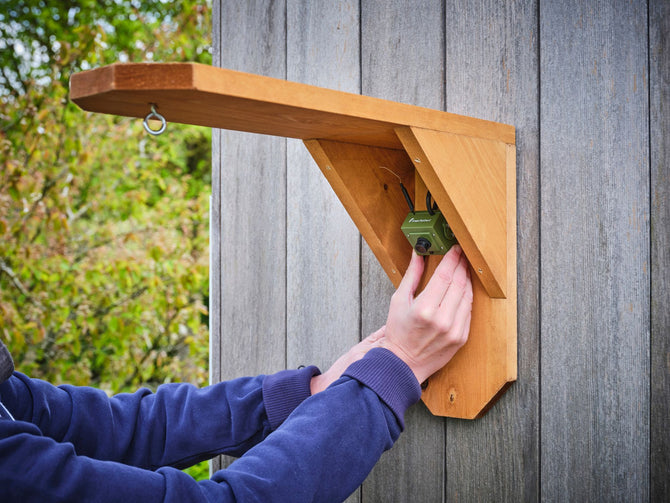
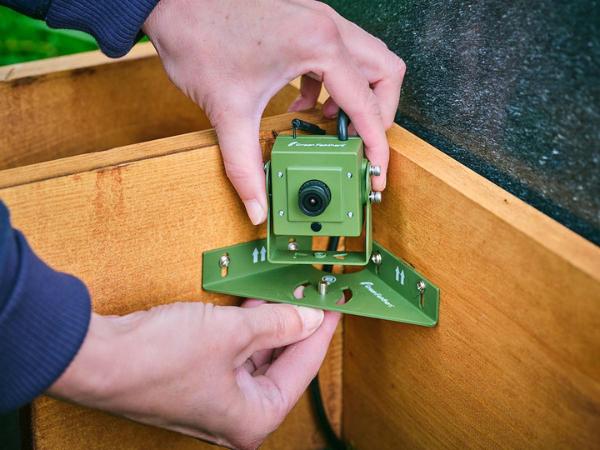
Screw on the mount – Our bird box cameras come with specialised camera mounts, so all you need to do is screw them into the wood of the birdhouse. We recommend installing the camera at the top of the bird box, angling down, for best viewing.
Hide/cover any exposed cables – Keep cables well covered and out of the bird box to prolong their life.
Connect to your chosen device – e.g., your smartphone or TV, to start your bird watching journey.
How to remove a camera from bird box
Whether your nest box camera needs a clean, or you’re removing the kit throughout the migration season, knowing how to remove your camera properly ensures you can use it year after year.
Check the bird box – Ensure no feathered friends are still in residence to avoid causing a disturbance.
Unplug any cables – Unplug and disconnect your bird box camera from its power and signal connection before removal.
Unscrew the mount – Carefully unscrew the camera mount from the wood, trying not to damage the birdhouse or let the camera drop.
Remove the camera – Once everything is unplugged and unscrewed, you can safely remove the camera from the bird box.
How to clean camera from bird box
To clean your bird box camera, unplug the camera from any mains power or turn it off, if battery powered. Use a mild antibacterial solution on a cloth to wipe round the camera, avoiding any harsh chemicals that could be toxic to the birds. Wipe dry and reconnect.
Frequently asked questions
Can a bird box camera harm birds?
No. When correctly installed, a bird box camera is completely safe and unobtrusive. Birds behave naturally and are unaffected by the camera.
Can I connect my bird box camera to my smartphone?
Yes. Many models connect via the Green Feathers app, allowing live streaming to smartphones, tablets and smart TVs.
Do bird box cameras need electricity?
Yes. Most are mains powered, but battery and solar options are available depending on your setup.
Watch wildlife without disturbance
Installing a bird box with a camera gives you a unique opportunity to observe nesting birds up close without interrupting their natural behaviour. Explore our full range of bird box cameras above and find the perfect setup for your garden today.
Not sure which camera type is best for your space? Check out our camera chooser to see our recommendation for you.
Free Delivery £50+
£3.95 under £50. Express available at checkout.
Fuss-Free Returns
30-day returns and a 3-year guarantee.
TrustPilot Reviews
Rated Excellent (4.7 stars) on over 1,700 reviews.

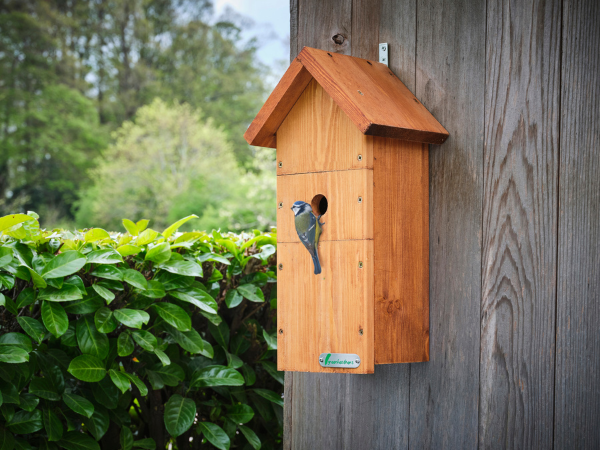
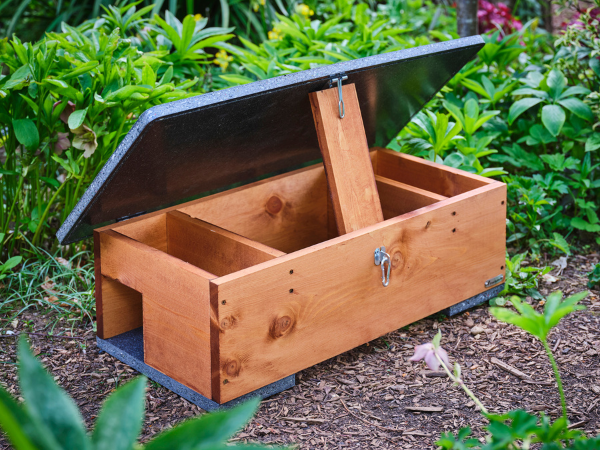
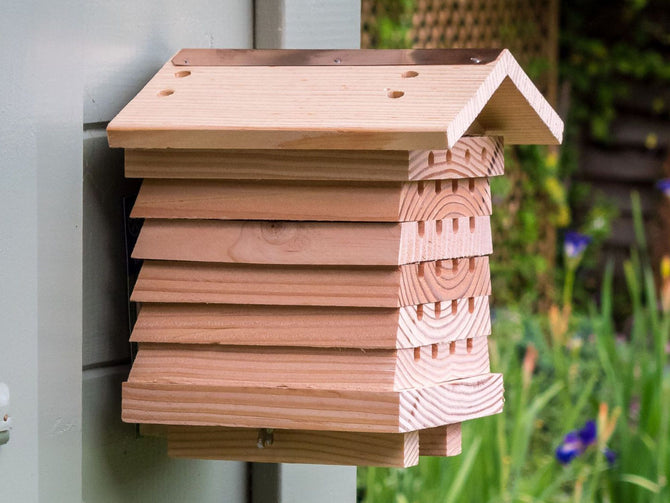
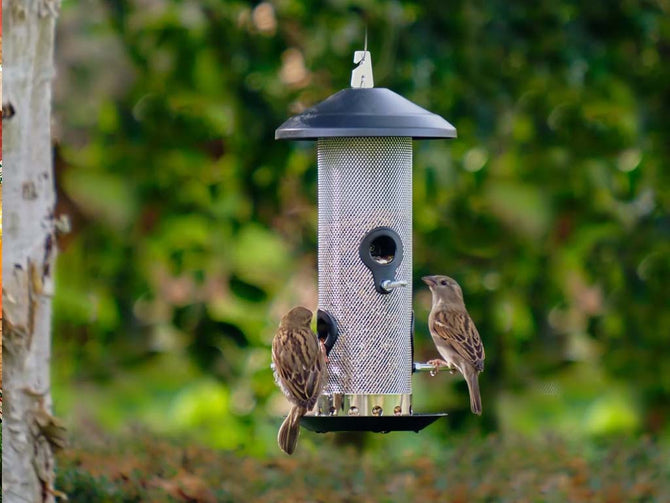
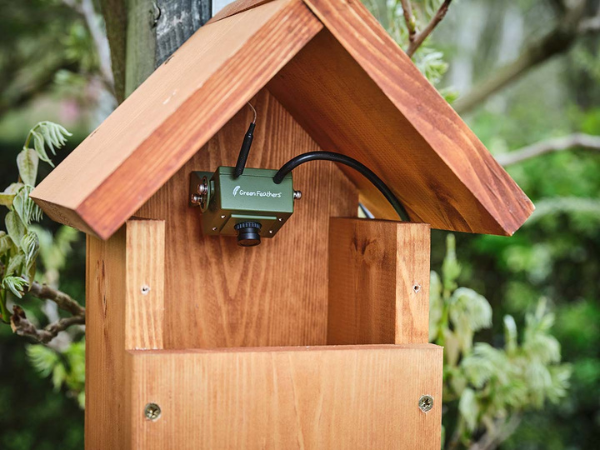
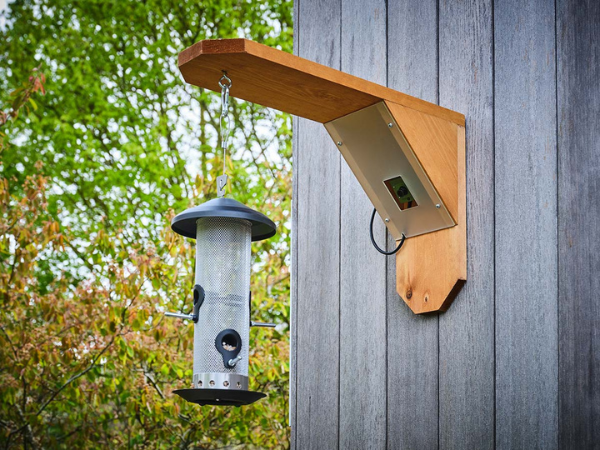
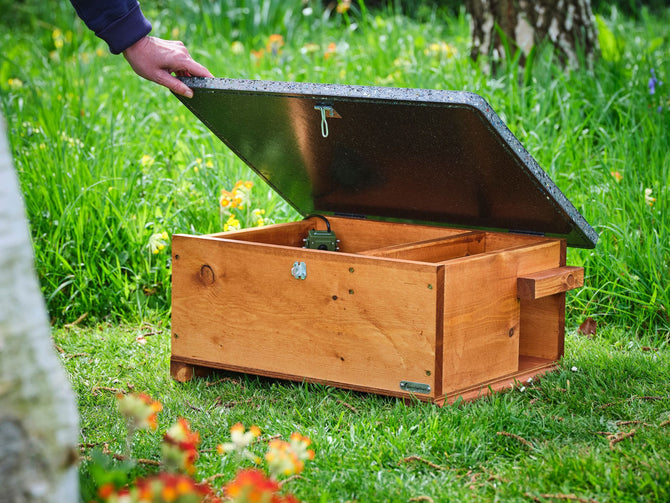


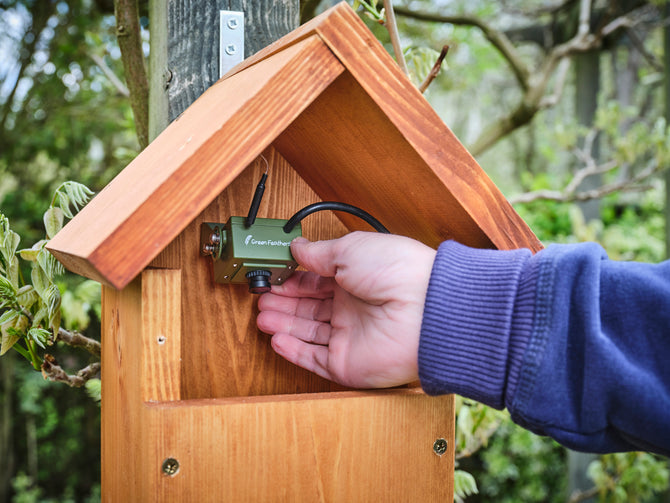
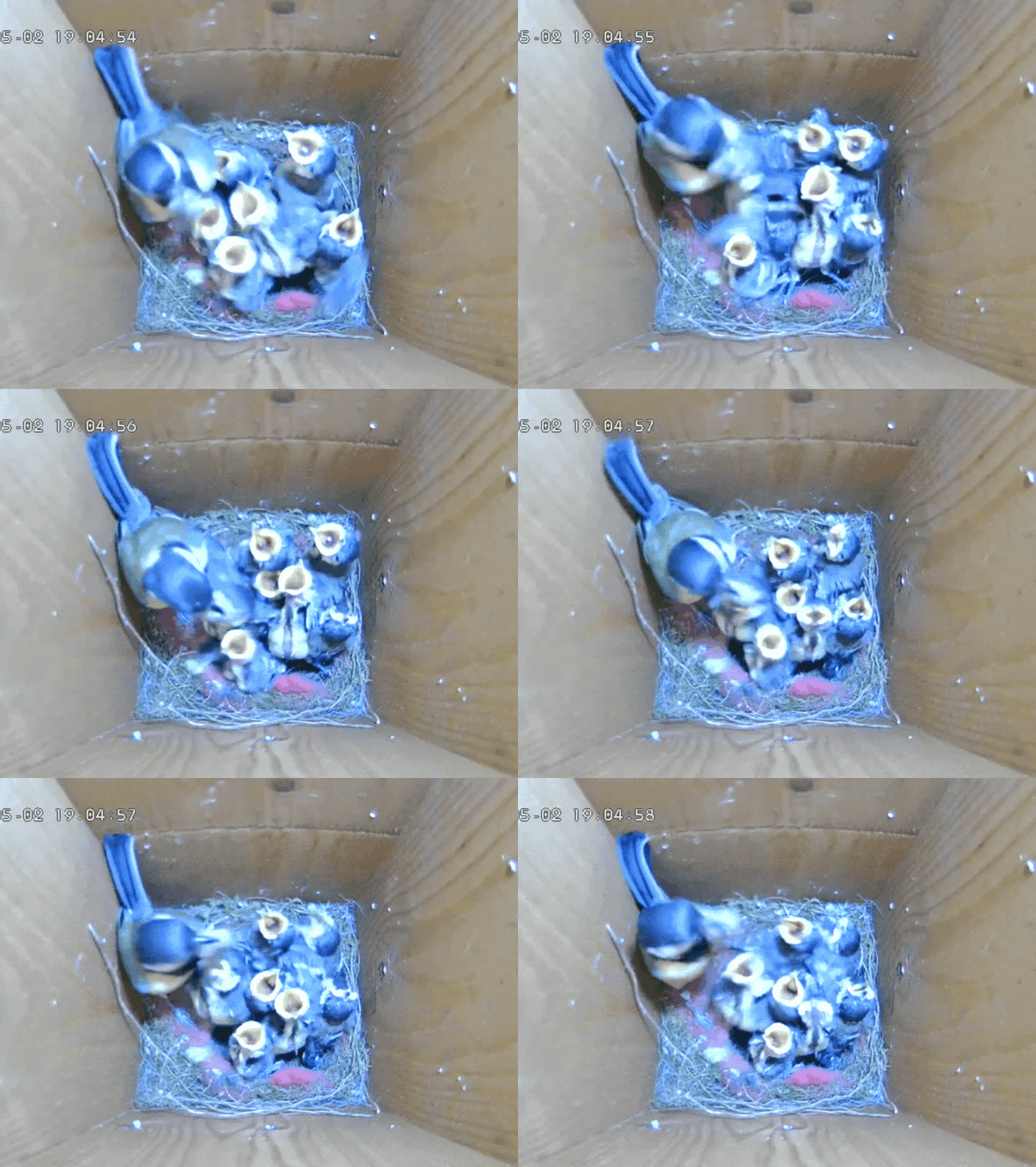


 WiFi HD Camera for Bird Box & Wildlife Habitats
 Solar Powered WiFi HD Camera for Bird Box & Wildlife Habitats
 Wireless Bird Box Camera & Screen Pack
 WiFi Bird Box HD Camera Starter Pack
 WiFi Bird Box HD Camera Complete Pack
 Wireless Solar Powered Bird Box Camera & Screen Pack
 WiFi Side View Bird Box Starter Pack
 WiFi Side View Bird Box Camera Complete Pack
 Solar Powered WiFi Bird Box HD Camera Starter Pack
 Solar Powered WiFi Bird Box HD Camera Complete Pack
 Cable Connection Bird Box Camera Starter Pack
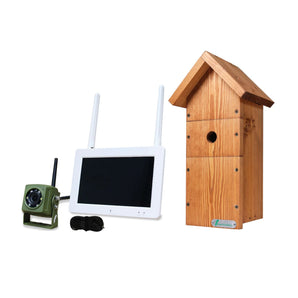 Wireless Bird Box Camera & Screen Starter Pack
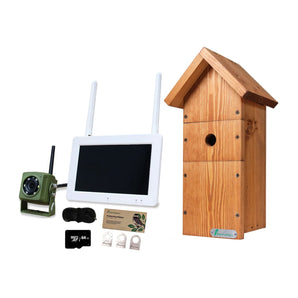 Wireless Bird Box Camera & Screen Complete Pack
 4MP Wired Network Camera for Birdbox & Wildlife Habitats (25fps)
 HD Cable Connection Bird Box & Wildlife Camera
 4MP 25fps Wired Network Bird Box HD Camera Starter Pack (2nd Gen)
 Long Range Wireless Network Bird Box Camera (up to 300m Range)
 HD Cable Connection Bird Box & Wildlife Camera Mini Recorder Pack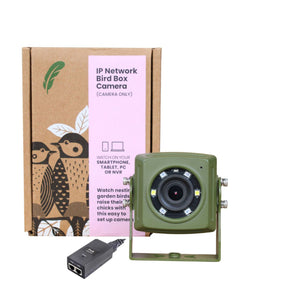
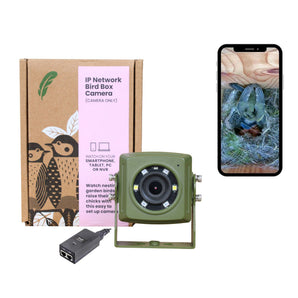 Wired Network Bird Box & Wildlife HD Camera PoE Version

 WiFi Tawny Owl Box HD Camera Pack
 Solar Bird Box and Bird Feeder 2 Camera Garden Kit
 Bird Box and Hedgehog House Complete Garden Camera Kit
 4MP Wired Network Bird Box Cameras Recorder Pack (25fps)
 Cable Connection Bird Box & Wildlife HD Camera Recorder Pack
 Solar Powered WiFi Bird & Hedgehog Rewilding Kit
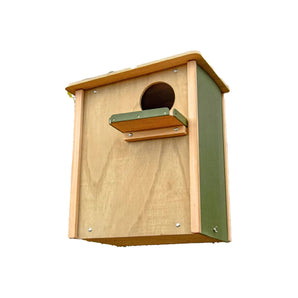
 WiFi Universal Bird of Prey Bird Box HD Camera Pack


 Wired Network Bird Box & Wildlife HD Camera 3rd Gen (Camera Only)
 Wired Network Bird Box HD Camera Pack (3rd Gen)
 TV Connection Bird Box & Wildlife Camera with HDMI Adapter
 Add-on Wireless Solar Powered Bird Box Camera for Green Feathers 7 Inch Screen
 Solar Powered WiFi Owl Box Camera Pack
 Wired Network Owl Box HD Camera Pack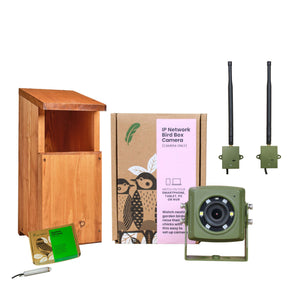
 Long Range Wireless Network Owl Box Camera Pack
 4MP Wired Network Camera for Birdbox & Wildlife Habitats (25fps) PoE Version
 Wireless Solar Powered Bird Box Camera & Screen Starter Pack